
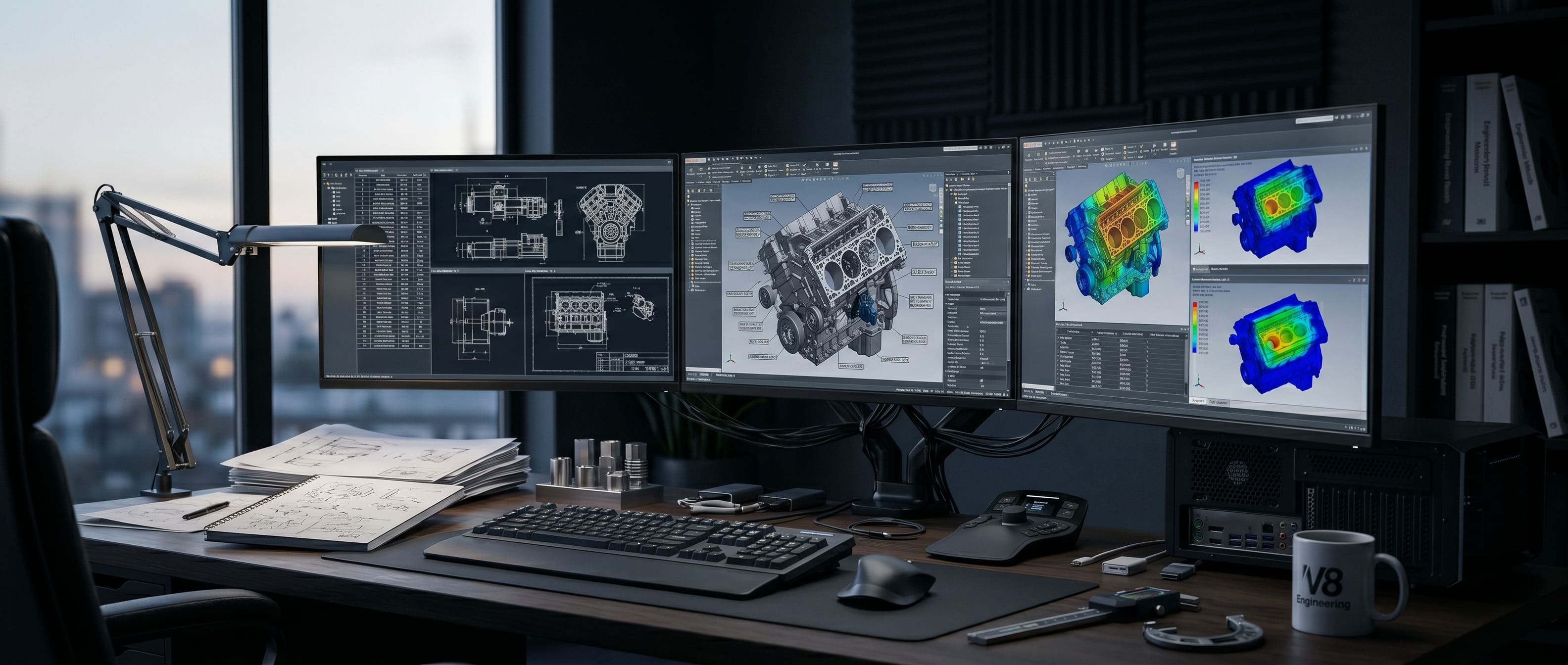
Choosing a CAD workstation is fundamentally different from choosing a gaming PC, a rendering node, or a general-purpose office computer.
Software such as SolidWorks, Revit, and AutoCAD can all physically run on the same class of machine, but they do not stress hardware in the same way. Some engineering workflows depend entirely on extreme single-core clock speeds. Others are heavily gated by memory capacity. Some are limited by graphics driver stability rather than raw computational GPU performance.
In many cases, the biggest mistake an engineering firm makes is not buying too little hardware—it is buying the wrong kind of hardware.
That is why CAD workstation planning must always start with the workload, not the spec sheet. If your team designs mechanical assemblies, high-rise BIM projects, or civil infrastructure, the workstation is not just a computer. It is a revenue-generating production tool. A slow viewport, an unstable graphics driver, or a severe memory bottleneck can cost a firm far more in lost billable hours than the hardware saved during purchase.
This guide breaks down exactly how to architect the right CAD workstation for SolidWorks, Revit, and AutoCAD in a practical, deeply technical way.
Start With the Software, Not the Hardware
The first law of workstation design is simple: different software engines care about completely different architectural traits.
SolidWorks
SolidWorks is a parametric modeling tool that heavily rewards extreme single-thread CPU performance. Most of its core tasks—part modeling, mechanical mates, assembly manipulation, and sketch rebuilds—are linear mathematical operations that cannot be easily split across multiple CPU cores. However, when you introduce flow simulation, photorealistic rendering (Visualize), or massive multi-thousand-part assemblies, the software suddenly demands higher core counts, extreme memory capacities, and VRAM density.
Revit
Revit is the undisputed heavyweight of BIM (Building Information Modeling), and it is famously resource-hungry. Its performance is governed by model complexity, memory capacity, and overall system balance. Large architectural projects, linked structural models, and MEP overlays will rapidly consume system RAM. Revit also requires a highly stable graphics subsystem to prevent crashes when rotating massive 3D views containing millions of polygons.
AutoCAD
AutoCAD is generally more forgiving than true 3D parametric software, but serious 2D/3D production still requires fast CPU responsiveness, stable OpenGL/DirectX graphics, and high-speed NVMe storage. When handling massive topographic maps, complex Xrefs, and multiple parallel drawing tabs, memory capacity becomes the primary bottleneck.
The practical takeaway:
- SolidWorks demands aggressive CPU clock speeds and certified graphics.
- Revit demands massive RAM pools, high-speed storage, and perfect system balance.
- AutoCAD demands single-thread snappiness and stable drivers.
A workstation built to run all three smoothly must be engineered for balance, rather than pushing one specification to the extreme.
Why a Workstation is Different From a Gaming PC
This is the single most common area of confusion for IT departments and engineers alike.
A gaming PC may boast excellent raw performance metrics, but that does not automatically make it the best CAD workstation. The distinction lies in operational intent.
Workstation-class systems are explicitly engineered for:
- ISV Certification: Independent Software Vendors (like Dassault Systèmes and Autodesk) rigorously test and certify specific workstation hardware configurations to guarantee software stability.
- Error-Free Uptime: Workstations frequently utilize ECC (Error Correcting Code) memory to prevent silent data corruption during multi-day simulations or renders.
- Thermal Endurance: Workstations are built to run at 100% load for 24 hours a day without thermal throttling, whereas gaming PCs are built for short bursts of gaming load.
- Driver Stability: Professional drivers prioritize absolute mathematical accuracy and crash prevention over squeezing out three extra frames-per-second.
Gaming hardware prioritizes peak frame rates, flashy aesthetics, and consumer value. CAD hardware prioritizes consistent, predictable mathematical behavior under brutal, sustained professional workloads.
The Three Most Important Pillars of a CAD Workstation
If you strip away the marketing, the day-to-day experience of a CAD engineer is dictated by three core pillars: CPU, RAM, and GPU.
1. CPU: The Brain Behind Rebuilds
For CAD workloads, CPU architecture matters enormously. Because parametric modeling is sequential (Feature B relies on the math of Feature A), it is generally bound by single-thread performance.
This is why buying a processor with the highest core count (like a 64-core AMD Threadripper) is often the wrong move for a pure CAD modeler. A 64-core CPU usually has a lower base clock speed to manage heat. In SolidWorks or Revit, a standard 8-core or 16-core CPU running at a blistering 5.8GHz or 6.0GHz will feel drastically faster and more responsive than a massive server CPU running at 3.5GHz.
You should optimize for:
- High IPC (Instructions Per Clock): The latest generation architectures.
- Aggressive Turbo Boost: Sustained high frequencies on 1 to 4 cores.
- Adequate Cores: 8 to 16 cores is the sweet spot. It provides enough single-core speed for modeling, while keeping enough background cores free for PDF exports, rendering, and Windows background tasks.
2. RAM: The Silent Productivity Killer
Many CAD systems feel slow not because the CPU is weak, but because they have run out of physical memory.
When a workstation exhausts its RAM, it begins "paging" data to the storage drive (the SSD or HDD). Even the fastest NVMe SSD is thousands of times slower than system RAM. When this happens, viewport rotation stutters, switching between files takes agonizing seconds, and the system feels fundamentally broken.
RAM capacity becomes critical when you work with:
- Massive mechanical assemblies (5,000+ parts).
- Complex BIM projects with multiple architectural, structural, and MEP links.
- Parallel workflows (running Revit, AutoCAD, Navisworks, Chrome, and Slack simultaneously).
For professional CAD, 32GB is the absolute bare minimum, 64GB is the recommended standard for most professionals, and 128GB+ is required for heavy BIM, simulation, or point-cloud rendering.
3. GPU: Precision Over Pure Frame Rates
Many people severely misunderstand the role of the GPU in CAD.
In most CAD platforms, the CPU handles the actual geometry calculations, while the GPU is only responsible for painting that geometry onto your monitor (the viewport).
However, CAD graphics requirements are fundamentally different from gaming requirements. A gaming GPU is optimized to draw textures and lighting effects very quickly, often cutting mathematical corners to keep frame rates high. A professional CAD GPU (like the NVIDIA RTX Ada Generation) is optimized to draw millions of wireframe lines, precise anti-aliased edges, and accurate solid shading without a single graphical artifact.
The GPU decision should be based on:
- Viewport complexity (polygon count).
- Monitor resolution (driving dual 4K monitors requires significantly more VRAM).
- ISV Certification requirements (Autodesk and Dassault officially support professional cards).
Consumer GPU vs Professional GPU for CAD
This debate has raged in engineering forums for decades.
Consumer GPUs (GeForce RTX)
Consumer GPUs (like the RTX 4080 or 4090) offer immense raw computational power for the price. They are perfectly usable for many CAD workflows, especially for students, freelancers, and budget-conscious boutique firms.
- The Catch: They use "Game Ready" or "Studio" drivers. While generally stable, they are not officially certified by Dassault or Autodesk. If you encounter a bizarre graphical glitch in SolidWorks, official support may refuse to help you until you install a certified professional GPU.
Professional GPUs (RTX PRO / Ada Generation)
Professional GPUs (like the RTX 4500 Ada) are specifically validated for enterprise environments.
- The Catch: They cost significantly more per-teraflop than consumer cards.
- The Benefit: They offer massive VRAM capacities (up to 48GB), highly optimized OpenGL performance, ECC memory on high-end models, and rock-solid ISV-certified drivers. For a firm standardizing 50 engineering workstations, professional GPUs drastically reduce IT support tickets and downtime.
Optimizing for Specific Software
What Matters Most for SolidWorks
SolidWorks handles individual part modeling beautifully, but massive assemblies can bring a system to its knees.
- The Priority: Extreme single-core CPU frequency. Do not buy a low-clock server processor.
- The Bottleneck: When opening an assembly with 10,000 unique parts, storage speed (4K random read performance) and RAM capacity become the limiting factors.
- The Graphics: SolidWorks heavily utilizes OpenGL. Historically, professional GPUs handled OpenGL much better than consumer GPUs, making RTX PRO cards the safer choice for heavy SolidWorks users.
What Matters Most for Revit
Revit is deeply affected by the interconnected nature of BIM data.
- The Priority: Massive RAM pools and fast NVMe storage.
- The Bottleneck: When linking a 2GB structural model into a 3GB architectural model, Revit has to load massive amounts of data into memory. If you hit the RAM ceiling, Revit will lock up.
- The Network: Because Revit users frequently use "Central Files" hosted on a server, a 10GbE network connection is often just as important as the workstation hardware itself.
What Matters Most for AutoCAD
AutoCAD is typically the lightest of the three, but it scales based on file sloppiness.
- The Priority: Snappy CPU performance and fast storage.
- The Bottleneck: Dealing with deeply nested blocks, massive Xrefs, and large topographical surveys. AutoCAD relies on fast 4K random read speeds to load thousands of referenced elements quickly.
Storage: The Most Forgotten Specification
Storage architecture dictates how the entire system feels. A CAD workstation must use high-end NVMe Gen4 or Gen5 SSDs.
Why? Because CAD workflows do not just load one large file; they load thousands of tiny referenced files simultaneously. A mechanical hard drive (HDD) or a cheap SATA SSD will cause the CPU to sit idle while it waits for data to arrive.
Best Practice Storage Layout:
- Drive 1 (NVMe SSD): OS, Applications, and Pagefile.
- Drive 2 (NVMe SSD): Active project workspace and local caches.
- Network / NAS: Centralized storage for finalized projects, backups, and collaboration.
Desktop vs Mobile Workstations
With the rise of hybrid work, many firms are shifting toward laptops.
Mobile Workstations
Laptops are excellent for site visits, client presentations, and remote work. However, cramming high-end CPUs and GPUs into a 1-inch chassis results in severe thermal throttling. A laptop CPU may claim to hit 5.5GHz, but under a heavy rendering load, it will throttle down to 3.0GHz within seconds to prevent melting.
Desktop Workstations
For dedicated engineering desks, desktops are always the superior investment. They provide massive cooling solutions, allowing CPUs to sustain maximum boost clocks indefinitely. They also offer robust upgrade paths, allowing you to double the RAM or swap the GPU three years later without buying a whole new machine.
How to Avoid Overspending
A workstation does not need to cost $15,000 to be effective. The most common overspending mistakes include:
- Buying a 32-core CPU when the software only uses 4 cores efficiently.
- Buying an ultra-high-end GPU while leaving the system with a pathetic 16GB of RAM.
- Paying for flashy RGB aesthetics instead of a high-quality, Platinum-rated power supply.
To avoid wasting budget, always match the machine to real project sizes. Ask your team:
- What is the exact file size of our largest assembly or BIM model?
- Do we do localized photorealistic rendering, or is that sent to a server?
- Do we experience software crashes, or just slow load times?
Final Thoughts
Choosing a CAD workstation for SolidWorks, Revit, and AutoCAD is an exercise in understanding bottlenecks.
SolidWorks rewards aggressive CPU clock speeds and certified graphics. Revit demands immense memory capacity and perfect system balance. AutoCAD benefits from snappy storage and fast single-thread performance.
The best workstation is not the most expensive one on the market. It is the one mathematically aligned with your specific software stack, file sizes, and team infrastructure. For engineers and architects, a workstation is a direct multiplier of revenue. When engineered correctly, it quietly accelerates productivity for half a decade. When engineered poorly, it becomes a daily source of costly friction.
At Redline Systems, we don't just sell spec sheets. We design practical, scalable CAD infrastructure built precisely around how your engineering teams actually work.